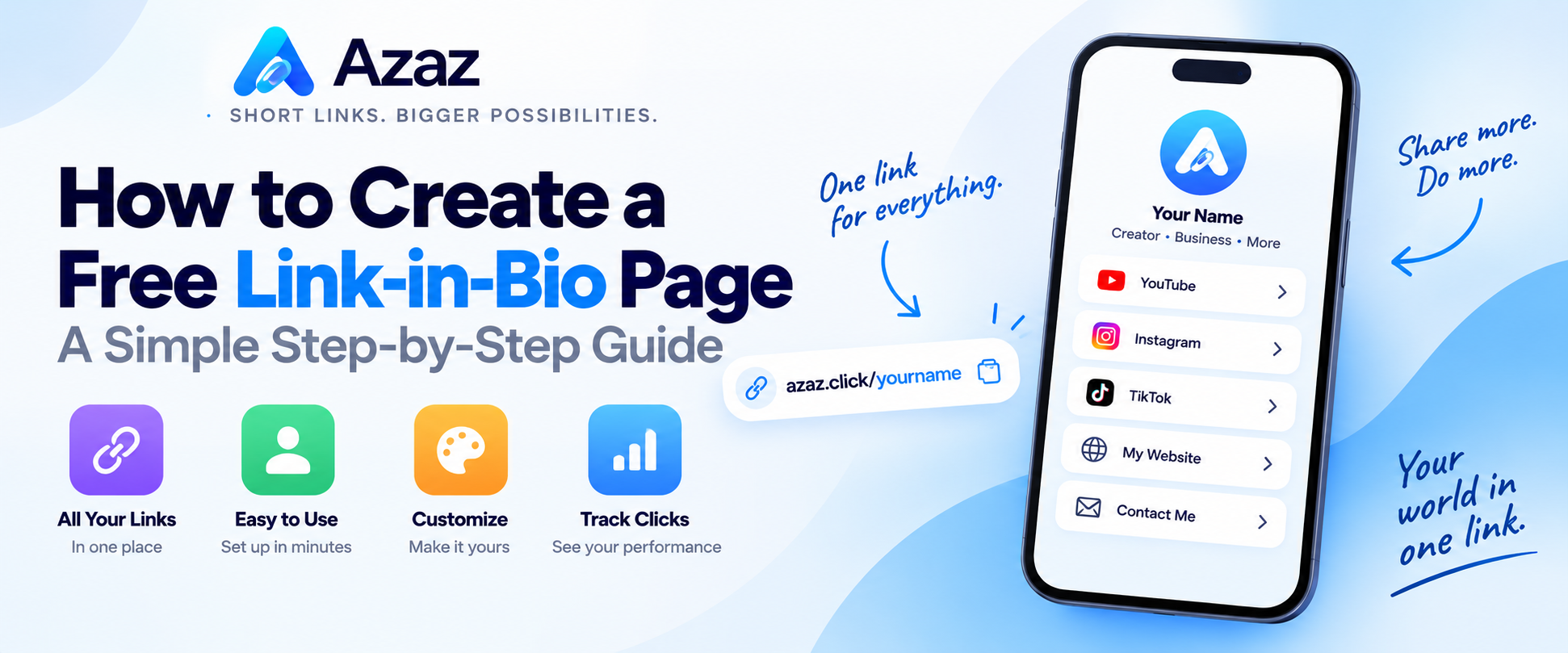
A link-in-bio page gives you one simple page where you can share all your important links. Instead of choosing just one destination for your social media bio, you can give visitors access to your website, social profiles, videos, contact information, and more from a single link.
With Azaz Bio Pages, you can create a link-in-bio page for free and start sharing it in just a few minutes. This guide shows you how.
What is a link-in-bio page?
A link-in-bio page is a small webpage that collects multiple links in one place. You share the URL to that page in your Instagram, TikTok, YouTube, or other social media profile instead of constantly changing the link in your bio.
Your page can provide quick access to destinations such as:
- Your website
- Instagram, TikTok, YouTube, and other social profiles
- Online stores or product pages
- Contact information
- Videos and other content
- Important short links
How to create a free link-in-bio page with Azaz
1. Open Azaz Bio Pages
Go to Azaz Bio Pages. Sign in to your Azaz account so you can create and manage your page.
2. Create your bio profile
Start a new bio profile and choose the information you want visitors to see. Add a clear name or title so people immediately know whose page they are viewing.
3. Add your links
Add the destinations you want to share. These might include your website, social profiles, store, portfolio, videos, contact page, or any other useful URL.
Keep your most important links near the top so visitors can find them quickly.
4. Customize your page
Personalize your bio page so it matches your identity or brand. Keep the layout simple and make sure buttons and text are easy to read on a phone.
5. Preview and test your page
Before sharing the page, open it yourself and test every link. Check the page on a mobile device because many visitors will reach it from social media apps on their phones.
6. Share your link-in-bio page
Once everything looks correct, copy your Azaz bio page URL and place it wherever people need access to all of your links.
You can use it on Instagram, TikTok, YouTube, X, other social networks, websites, messages, or even turn the URL into a QR code.
Why use a link-in-bio page?
A bio page is useful when you have more than one destination to share but only want to give people a single URL.
- One link: Give people one address for your important destinations.
- Easy updates: Change the links on your page without replacing the bio URL everywhere you shared it.
- Cleaner profiles: Keep your social media bio simple instead of trying to fit several URLs into it.
- Better organization: Put your most useful content together on one page.
- Easy sharing: Use the same page across social media, messages, websites, and printed material.
What should I put on my link-in-bio page?
Only include links that are useful to your visitors. Depending on what you do, that could include:
- Your main website
- Your latest content
- YouTube channel
- Instagram profile
- TikTok profile
- Online shop
- Portfolio
- Contact page
- Other important resources
A shorter, focused list is usually easier for visitors to understand than a page filled with unnecessary links.
Can I use short links on my bio page?
Yes. You can use the Azaz URL shortener to create compact links and then add those links to your bio page.
This can be useful when you want clean URLs that are also easy to share separately.
Can I create a QR code for my bio page?
Yes. After creating your bio page, you can use the Azaz QR Code generator to create a QR code that points to it.
This is useful for business cards, menus, posters, signs, flyers, events, and other printed materials where people can scan the code with their phone.
Tips for a better link-in-bio page
- Put important links first: Make your main destination easy to find.
- Use clear labels: Tell visitors exactly where each button will take them.
- Keep it focused: Avoid adding links that do not provide useful value.
- Test every link: Make sure everything works before sharing the page.
- Check mobile: Make sure your page is comfortable to use on a phone.
- Keep it updated: Remove outdated destinations and add important new ones when necessary.
Create your free link-in-bio page
You don't need several different URLs in your social profiles. Create one Azaz bio page, add the destinations that matter to you, and share one convenient link.