Long URLs can be difficult to read, remember, and share. Whether you're sending a link in a message, adding it to a social media post, or placing it on printed material, a shorter URL can make sharing much easier.
With Azaz, you can shorten a long URL for free in just a few seconds. In this guide, we'll show you how.
What is a shortened URL?
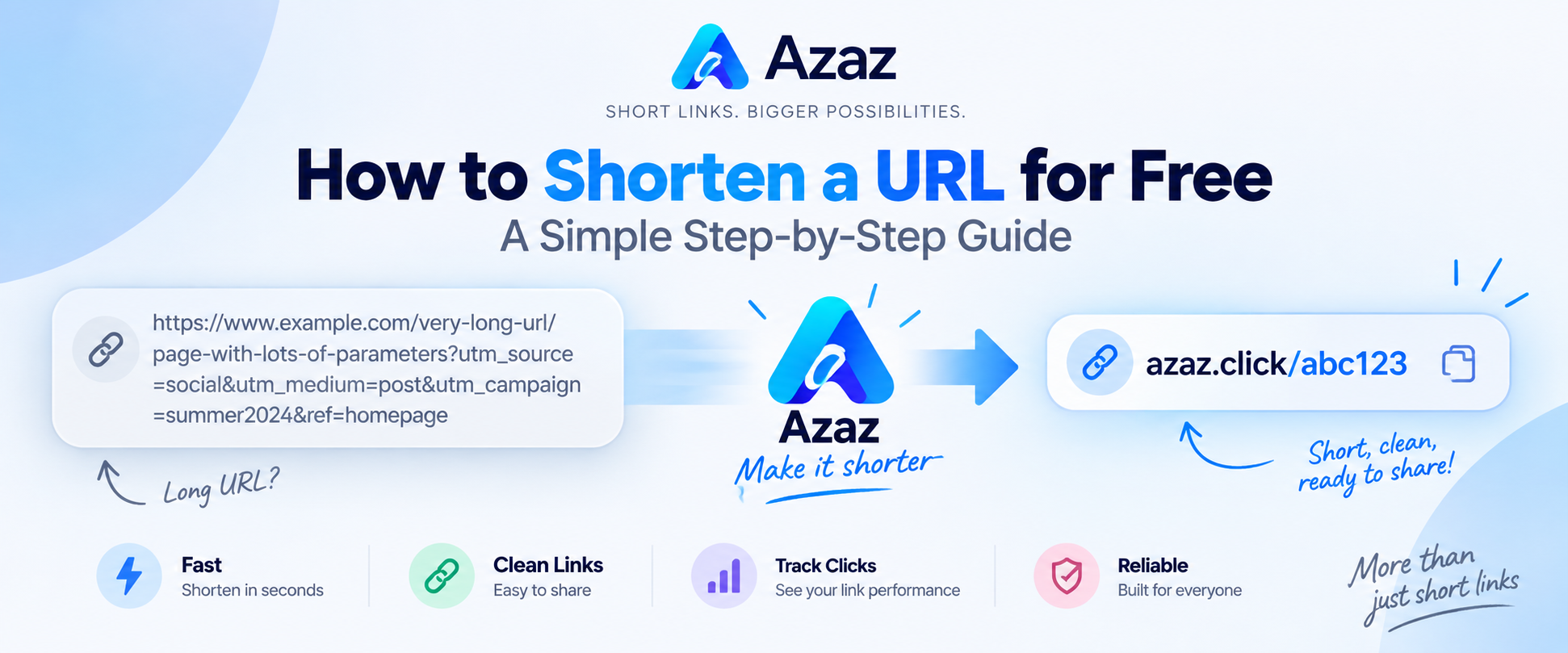
A shortened URL is a compact link that redirects visitors to a longer destination URL. Instead of sharing a long address containing many characters and tracking parameters, you can share a cleaner Azaz link.
For example, a long URL might look like:
https://example.com/products/category/item?source=social&campaign=summer
A shortened version is much easier to share:
https://azaz.click/example
How to shorten a URL with Azaz
1. Open Azaz
Go to Azaz. You'll see the URL shortener directly on the homepage.
2. Paste your long URL
Copy the URL you want to shorten and paste it into the link field. Make sure the destination URL is complete and correct before continuing.
3. Click Shorten
Click the Shorten button. Azaz will create a compact link that redirects visitors to your original destination.
4. Copy and share your short link
Copy your new Azaz link and use it wherever you need it: social media, messages, websites, emails, documents, or other places where a shorter link is more convenient.
Why shorten a URL?
Short links can make long web addresses easier to manage and share. They're particularly useful when the original URL contains a large number of characters or parameters.
- Cleaner sharing: Avoid sending unnecessarily long URLs.
- Easier to copy: Compact links are convenient across messages and documents.
- Link management: Registered Azaz users can manage their links from their account.
- Click statistics: Use Azaz's statistics tools to understand activity on your links.
- QR codes: Turn links into QR codes when you need an easy way for people to scan them.
Can I create a QR code for my link?
Yes. Azaz also includes a free QR code generator. You can create a QR code for a URL and download it for use online or in printed materials.
Can I create a page for multiple links?
Yes. If you need to share several destinations from one page, try Azaz Bio Pages. A bio page can provide one place for your important links.
Start shortening your links
You don't need complicated software to make a long URL easier to share. Paste your destination into Azaz, shorten it, and your new link is ready.